
Category: Personal
Minicon Schedule
I am facilitating a short “taking things apart” session at 3:30pm Saturday for half an hour.  I know we’ll have multiple disk drives, and no doubt other things. (If you have anything interesting to take apart that you could contribute, please let me know; note that putting things back together is not in the plan!)
Children and adults are welcome. Some pieces removed are likely to be too small to be safe for toddlers, so parental discretion is advised!
Music Party Photos
I got to go to a very nice music party last weekend; so there are photos.

Server Upgrade Chronicles V
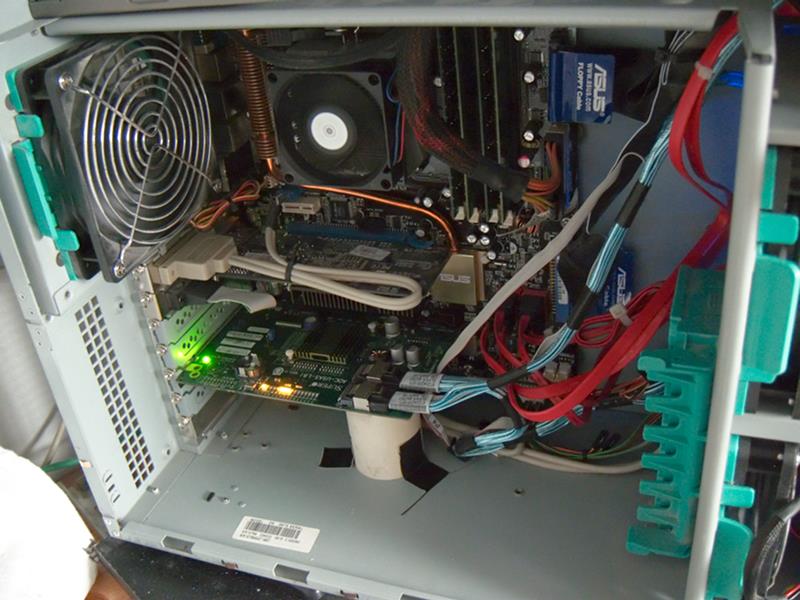
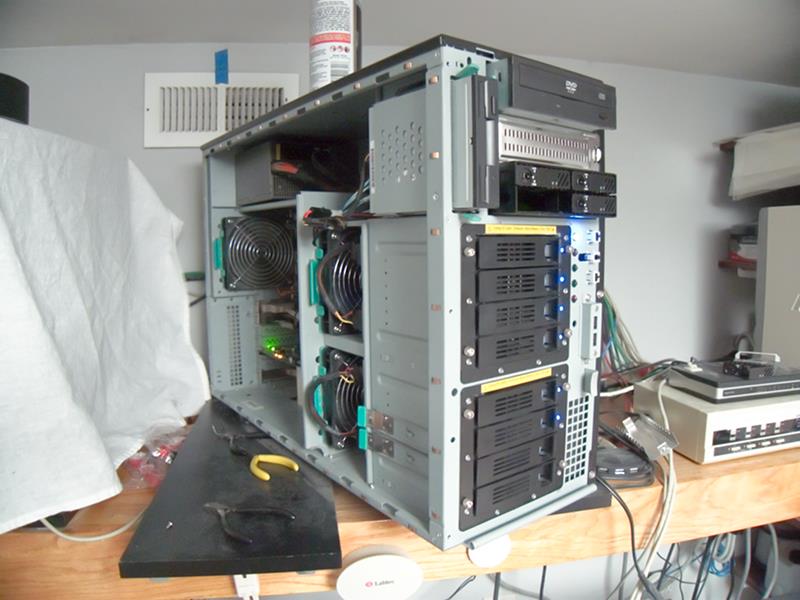
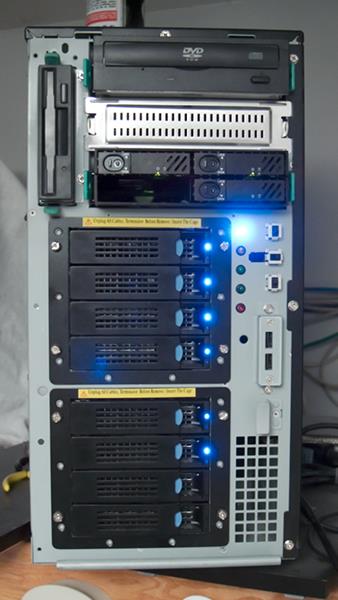
And I think I’m going to call it a win. The new disks are in and working. I’ve even got the regular snapshot script working pretty well.
Never did quite get the two new boot disks set up with identical partition sizes, but it doesn’t matter since I attached them both to the mirror (which was limited by the size of the old 80GB disks) first, and then detached the old disks. At that point it expanded up to the available size, which was the smallest partition on the two new drives. They differ by a MB or two out of 160GB, not important.


Server Upgrade Chronicles IV
I got the two new system disks attached to the root ZFS pool and resilvered, so right now I’m running a 4-disk mirror for my root! And I just booted off the #1 new disk, meaning that the Grub installation as well as the mirroring worked, and that the new controller really does support booting.
Actually, most of the excitement was earlier. In playing around with the new disks, I’d made them into a ZFS pool using the whole disk. This put EFI labels on the disks, which Solaris / ZFS don’t support in a root pool. So then I had to somehow get the disks relabeled and the partitions redrawn. This turns out to be a horrible process which is not documented anywhere. The blogosphere is full of pages saying how to do it, and none of them actually tell you much. Okay, use format -e, that’s helpful. But they never say what device file to use, and none of the obvious ones exist. I think you can maybe use any device pointed at the right disk for part of it. Also, I had to create an S0 manually, and I”m not sure I did it ideally (doesn’t matter much, since these disks are 4 times as big as they need to be).
I’m deeply confused by Solaris disk labeling, going back to SunOS days; even then, I thought it was absurd, fact suicidally idiotic, to describe regions of the disk used for different filesystems which overlap. Okay, you’re not supposed to use any two that overlap for filesystems, but nothing stops you. The whole setup is just baroque, weird, stupid. And then, on x86 hardware, this Solaris idiocy takes place within one real partition (although Solaris documentation tends to call their things partitions).
So, I had to find a way to overwrite EFI labels with SMI labels. Apparently the secret is to use “format -e”. None of the pages said anything about manually creating partitions (or gave any clues for what space you could use; I believe you have to leave space at the start for the boot stuff). Anyway, totally infuriating partial documentation, and then a large group of aficionados giving slightly variant documentation with slight differences, all of it missing the key points.
Did I mention that I’m annoyed?
So I’m going to chase this for a while, until I get it actually figured out, or until I go postal; whichever comes first.