International Shoot A Roll of Film Day

Kyle Cassidy declared yesterday to be International Shoot A Roll of Film Day.

After some consideration, I don’t think I have any cameras that take roll film left (I’ve got the 4×5 still). There may be something buried somewhere, but nothing I remember, and I don’t think anything I ever used much; maybe an old 616 Brownie box camera or something.

And I haven’t stumbled across any rolls of film, either.  If I had, I would have had great difficulty restraining myself from doing a self-portrait while gleefully ripping a roll of film out of its cartridge. Luckily we have all been spared that.

Which left my original idea—to shoot the rolls of film Geri Sullivan gave me many years ago.

International Shoot A Roll of Film day 2010

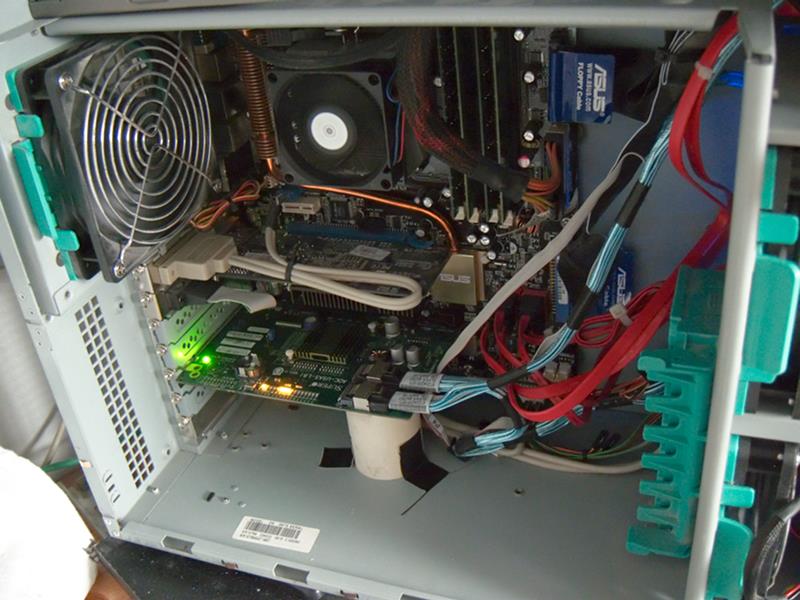
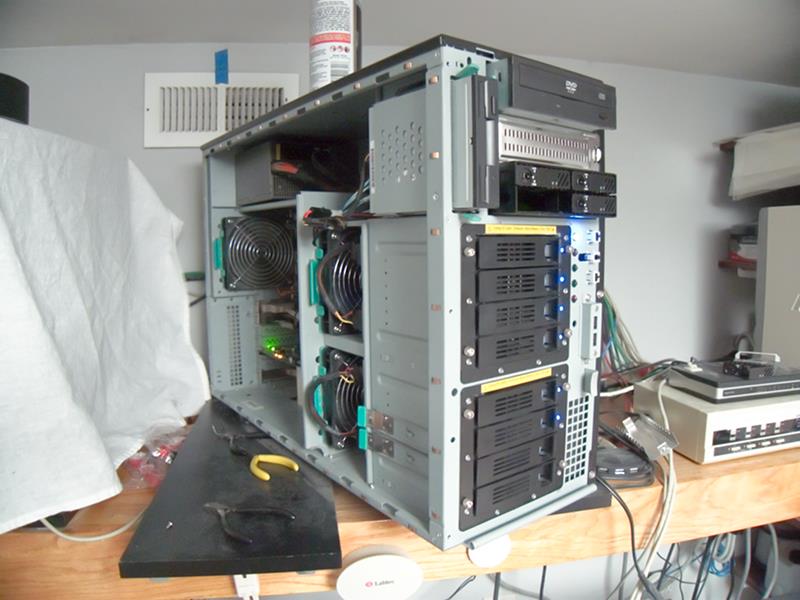
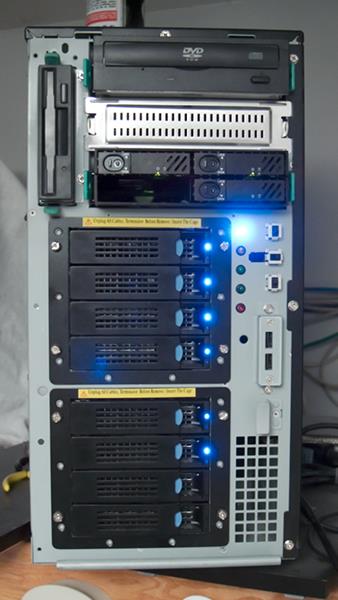
Server Upgrade Chronicles V

And I think I’m going to call it a win. The new disks are in and working. I’ve even got the regular snapshot script working pretty well.

Never did quite get the two new boot disks set up with identical partition sizes, but it doesn’t matter since I attached them both to the mirror (which was limited by the size of the old 80GB disks) first, and then detached the old disks.  At that point it expanded up to the available size, which was the smallest partition on the two new drives.  They differ by a MB or two out of 160GB, not important.

Replacing A Solaris EFI Disk Label

This is kind of an adjunct to part 4 of my “Server Upgrade Chronicles”.

ZFS root pools have some requirements and best-practices at variance to other ZFS pools. One of the most annoying is that you can’t use a whole disk, and you can’t use an EFI-labeled disk. This is annoying because for most ZFS uses using a whole disk is the best practice, and when you do that ZFS puts an EFI label on that disk.

So, when you try to use in a root pool a disk you’d previously used somewhere else in ZFS, you often see this:

bash-3.2$ pfexec zpool attach rpool c4t0d0s0 c9t0d0s0
cannot attach c9t0d0s0 to c4t0d0s0: EFI labeled devices are not supported
on root pools.

What do you do then? Well, you google, of course. And you find many sites explaining how to overwrite an EFI label on a disk. And every single one of them omits several things that seem to me to be key points (and which I had to play around with a lot to get any understanding of). The fact that ZFS is what drew me back into Solaris, and that I wasn’t ever really comfortable with their disk labeling scheme to begin with, is no doubt a contributing factor.

This is going to get long, so I’m putting in a cut here. Continue reading Replacing A Solaris EFI Disk Label

Server Upgrade Chronicles IV

I got the two new system disks attached to the root ZFS pool and resilvered, so right now I’m running a 4-disk mirror for my root!  And I just booted off the #1 new disk, meaning that the Grub installation as well as the mirroring worked, and that the new controller really does support booting.

Actually, most of the excitement was earlier. In playing around with the new disks, I’d made them into a ZFS pool using the whole disk.  This put EFI labels on the disks, which Solaris / ZFS don’t support in a root pool.  So then I had to somehow get the disks relabeled and the partitions redrawn.  This turns out to be a horrible process which is not documented anywhere. The blogosphere is full of pages saying how to do it, and none of them actually tell you much.  Okay, use format -e, that’s helpful.  But they never say what device file to use, and none of the obvious ones exist.  I think you can maybe use any device pointed at the right disk for part of it. Also, I had to create an S0 manually, and I”m not sure I did it ideally (doesn’t matter much, since these disks are 4 times as big as they need to be).

I’m deeply confused by Solaris disk labeling, going back to SunOS days; even then, I thought it was absurd,  fact suicidally idiotic, to describe regions of the disk used for different filesystems which overlap. Okay, you’re not supposed to use any two that overlap for filesystems, but nothing stops you. The whole setup is just baroque, weird, stupid. And then, on x86 hardware, this Solaris idiocy takes place within one real partition (although Solaris documentation tends to call their things partitions).

So, I had to find a way to overwrite EFI labels with SMI labels. Apparently the secret is to use “format -e”. None of the pages said anything about manually creating partitions (or gave any clues for what space you could use; I believe you have to leave space at the start for the boot stuff). Anyway, totally infuriating partial documentation, and then a large group of aficionados giving slightly variant documentation with slight differences, all of it missing the key points.

Did I mention that I’m annoyed?

So I’m going to chase this for a while, until I get it actually figured out, or until I go postal; whichever comes first.